
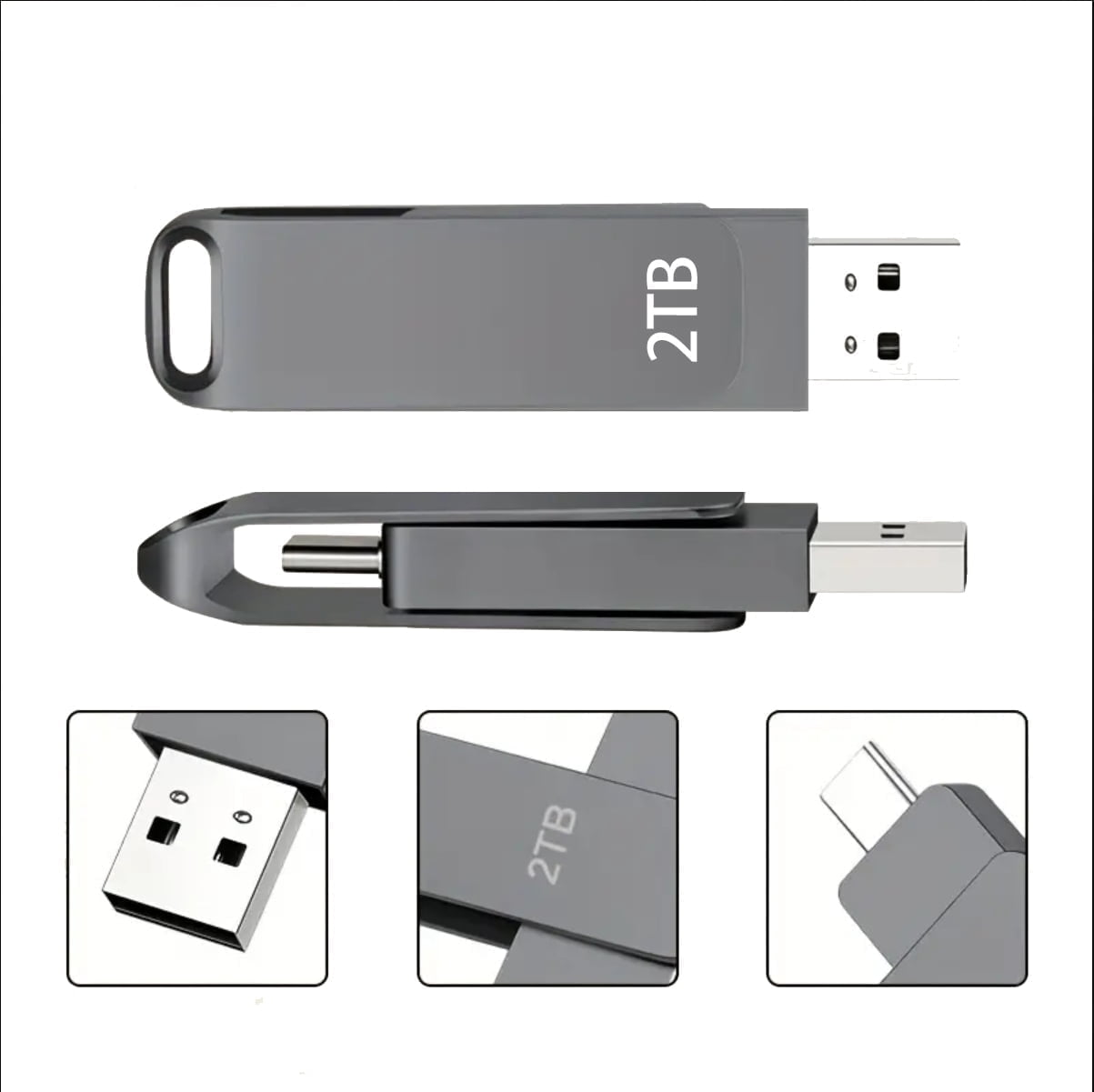
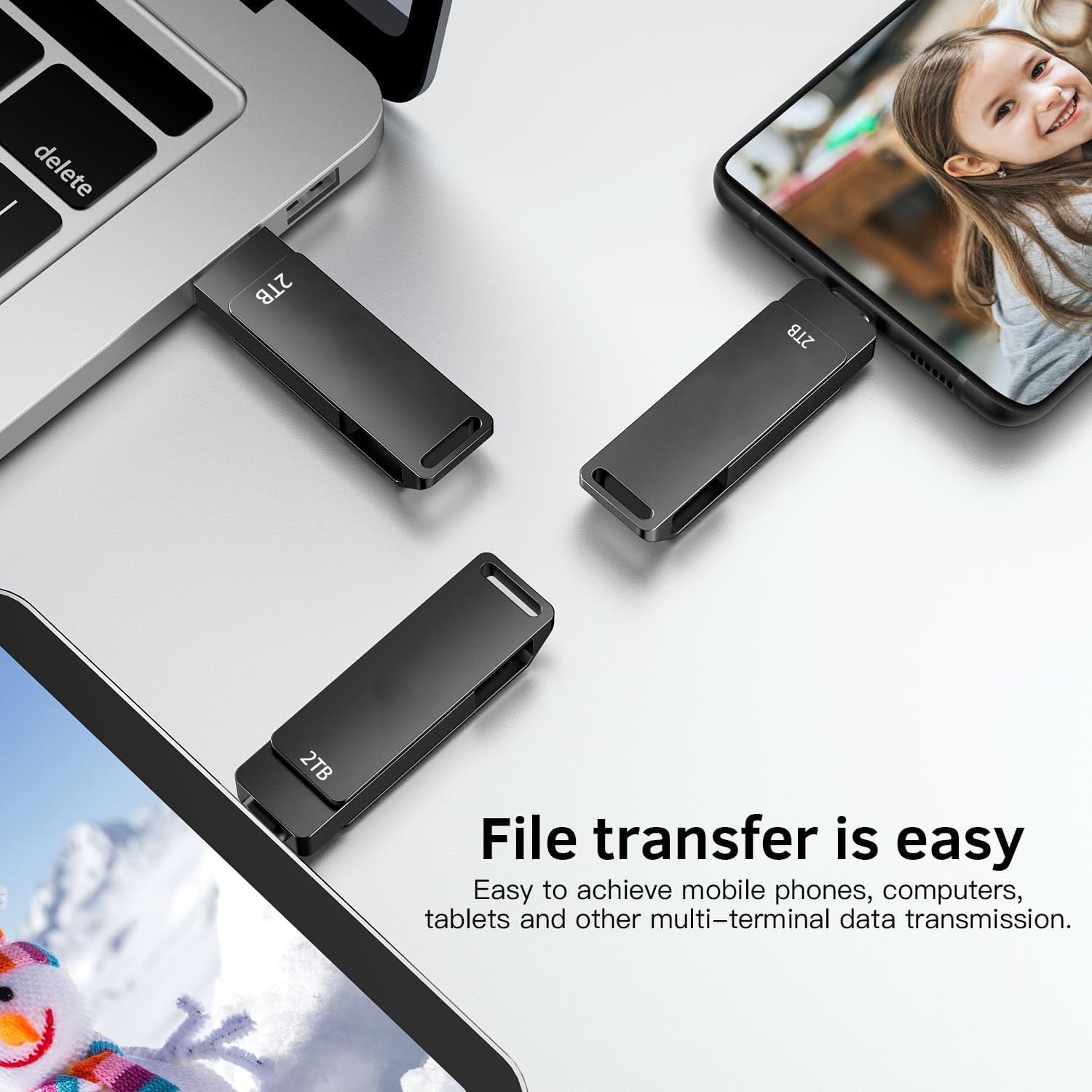
Ultra USB Flash Drive High-Speed Thumb Drive Memory Stick USB Drive Data Storage with Keychain Design Pen Drive Jump Drive for Data Backup and Transfer for PC/Laptop
Product details
| Management number | 238536462 | Release Date | 2026/07/11 | List Price | US$10.36 | Model Number | 238536462 | ||
|---|---|---|---|---|---|---|---|---|---|
| Category | |||||||||
Solution to iPhone 15/15 Pro/Pro Max not recognizing the flash drive:<br> Method 1: Format the flash drive and change the format to EXFAT.<br><br> Formatting steps: Connect the flash drive to your computer → Double click on this computer → Right click on the disk → Select Format →Select EXFAT format.<br><br> Where can you find the flash drive on my phone?<br> Click on the 'File' APP and then click on 'Browse' to see the flash drive.<br><br> How to save files or photos to a flash drive.<br> Step 1: Open the album/file, select the data to be transferred, and click the send button in the lower left corner.<br> Step 2: Pull up the pop-up menu, find 'Save to File' and click on it (if this option is not displayed, you can click on "Edit Operation" below to find this option)<br> Step 3: Jump to the browsing interface,, select the save destination folder, and click "Save" in the upper right corner.
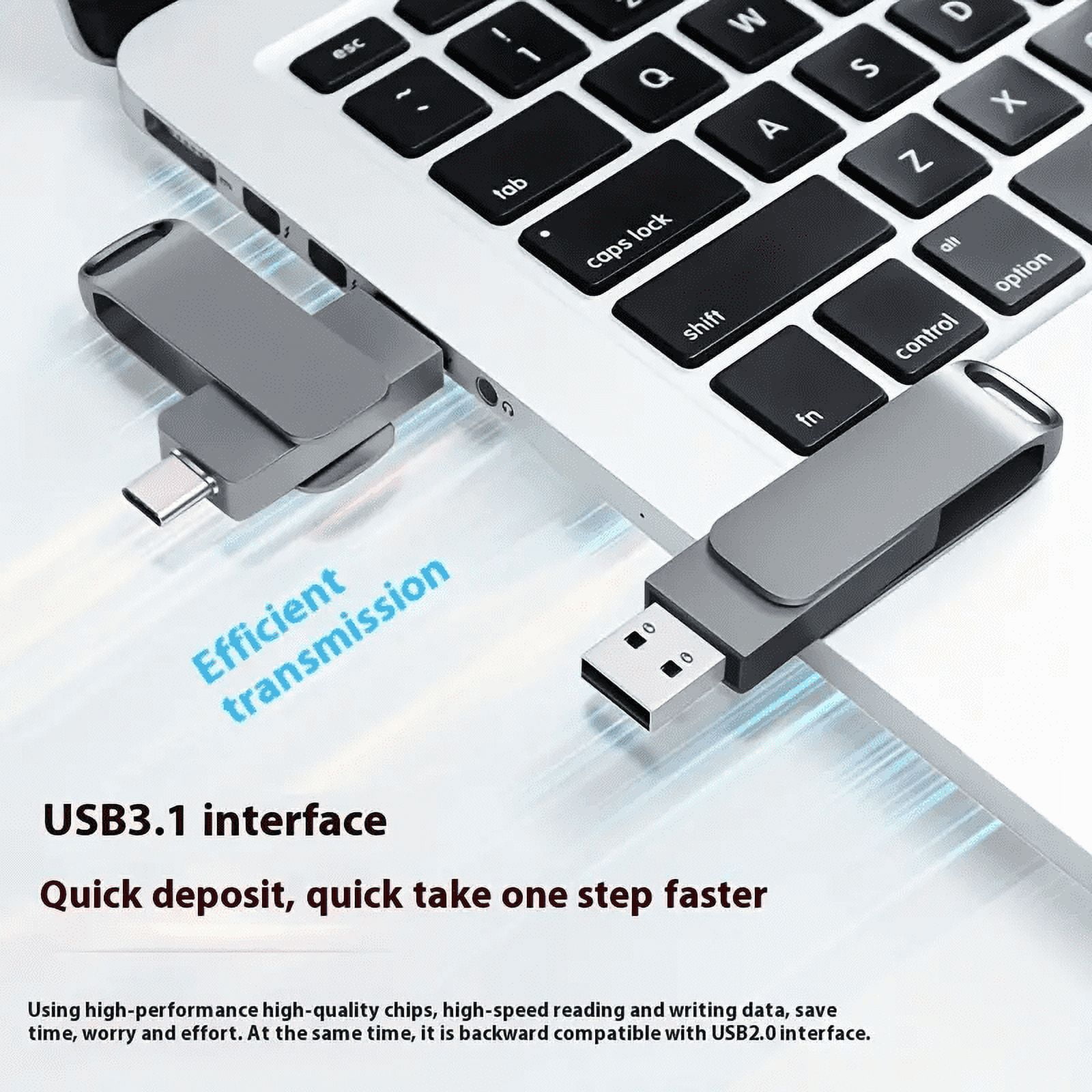
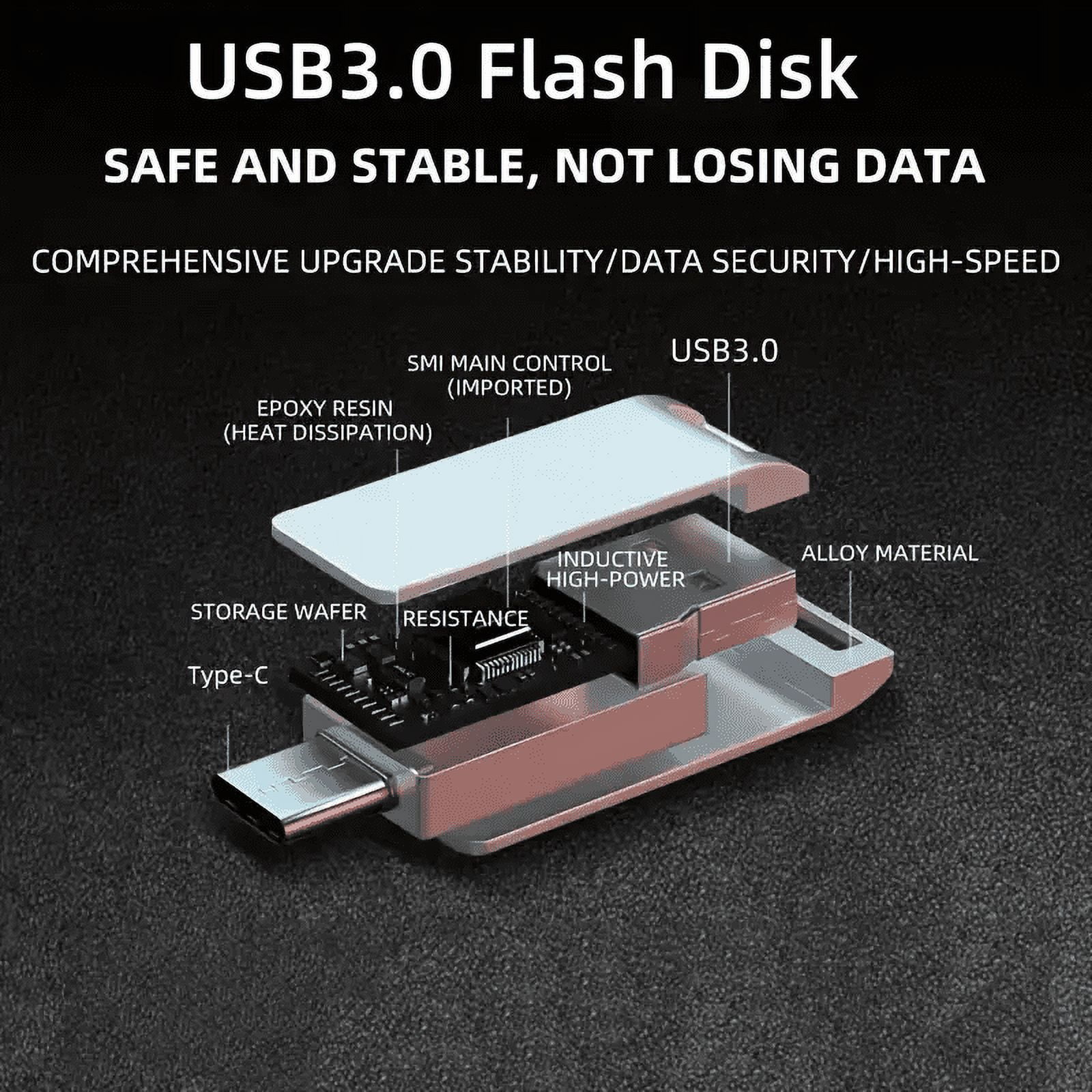
- High-Speed USB 3.0: Enjoy fast data transfer speeds, ensuring quick and efficient file sharing and backups. Fully compatible with USB 2.0 devices.
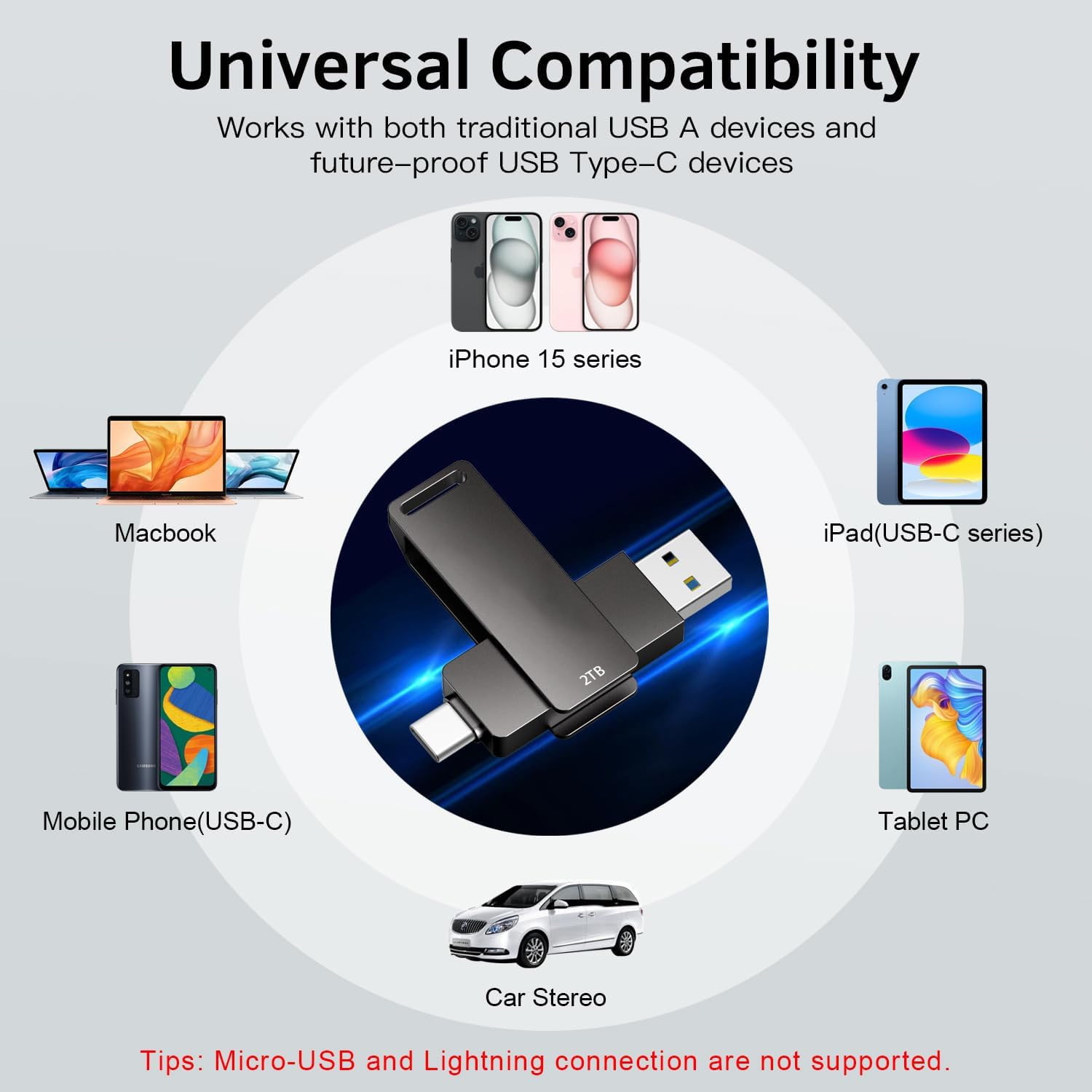
- Plug-and-Play Convenience: The flash stick Easy to use with no software installation required. Compatible with Windows, Mac, and Linux operating systems.
- Plug-and-Play Convenience: Easy to use with no software installation required. Compatible with Windows, Mac, and Linux operating systems.
| Data storage | 2 TB |
|---|---|
| Usb version | 3 |
| Brand | RIMZNG |
| Accessories | 1Pcs 2TB Flash Drive(Black |
| Model name | ns2t |
| Height | 4.3" |
| Pack quantity | 1 |
| Product net content parent | 0.06 Pound |
Bestseller ranking
Computers


Customers who viewed this product also viewed
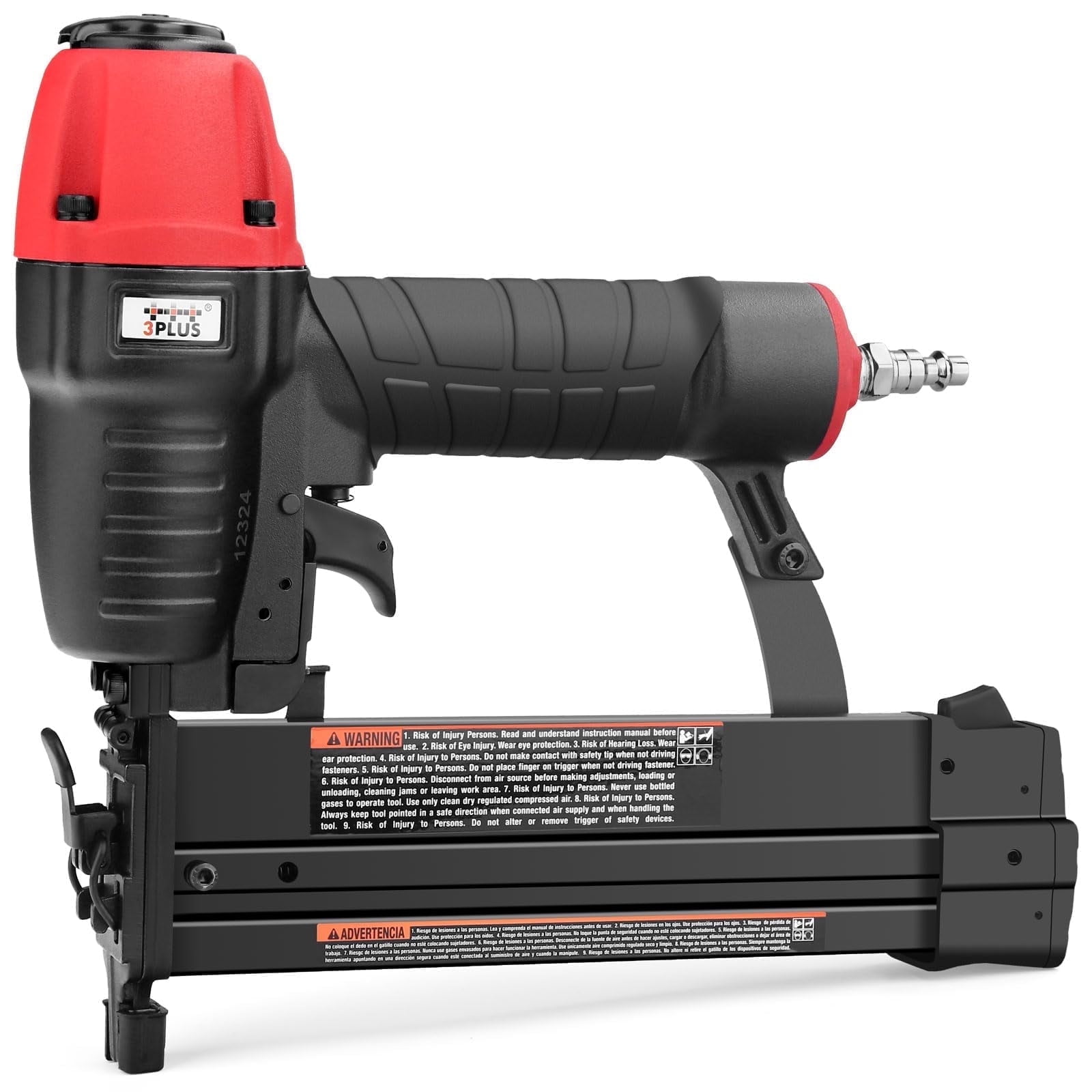
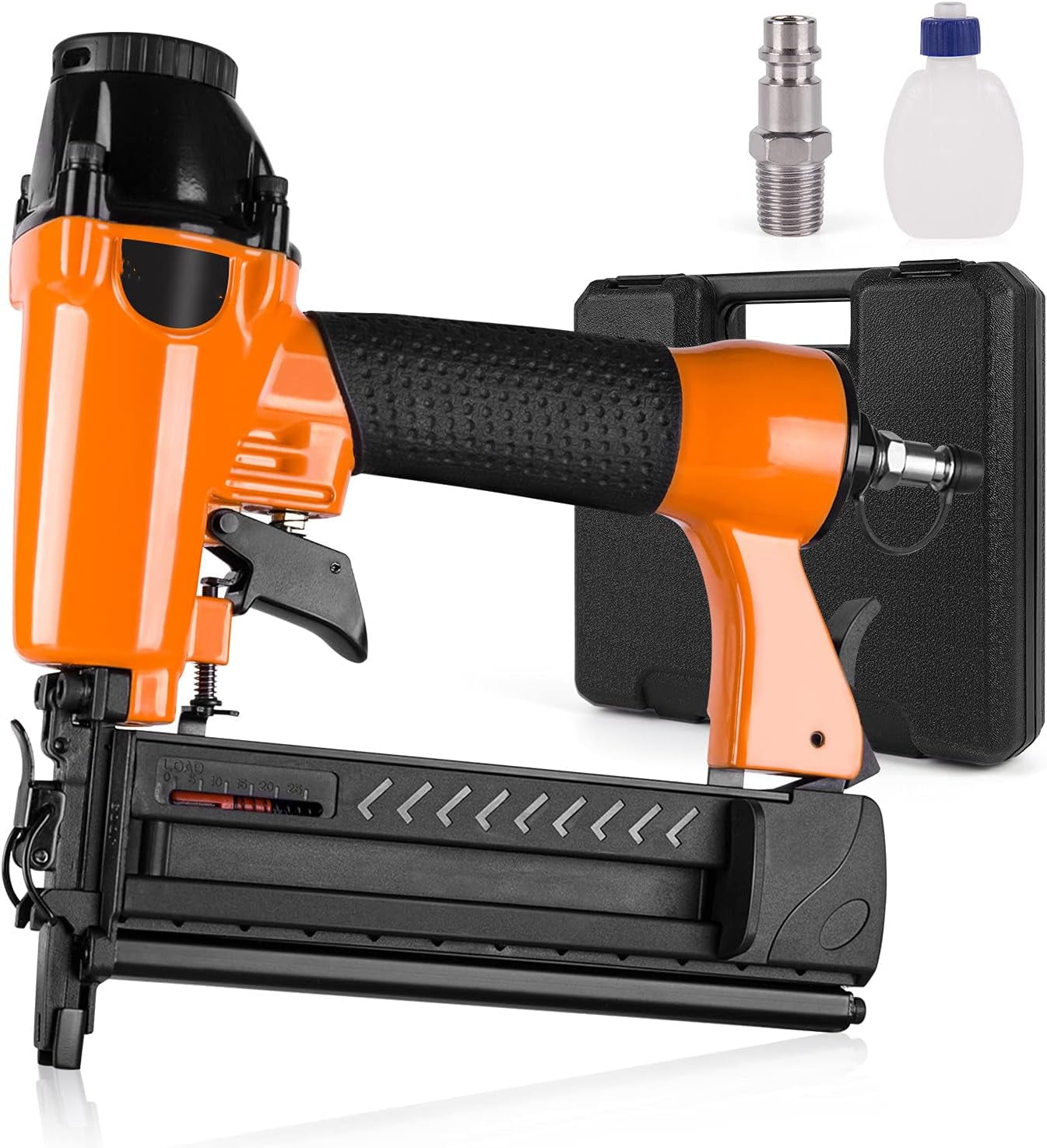
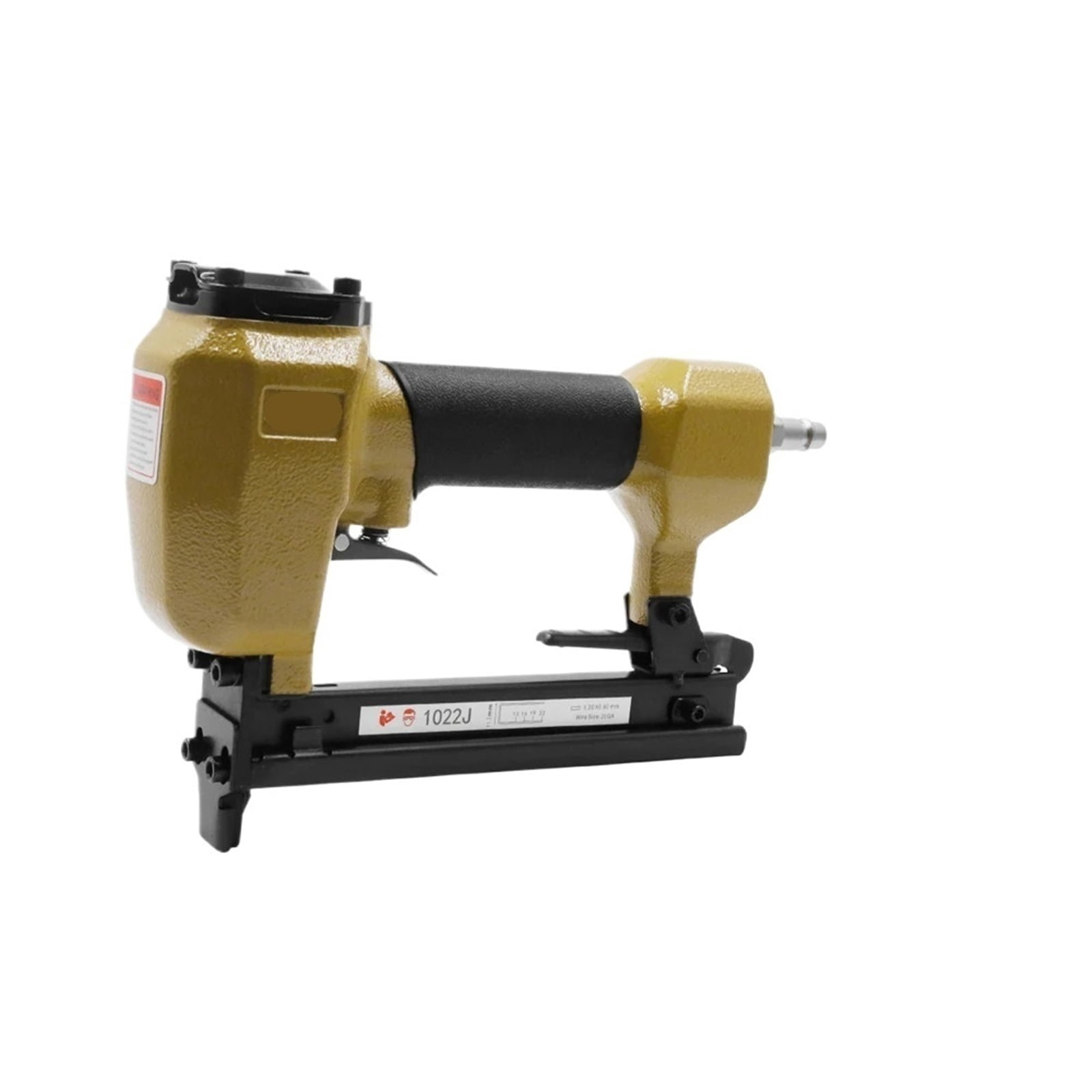
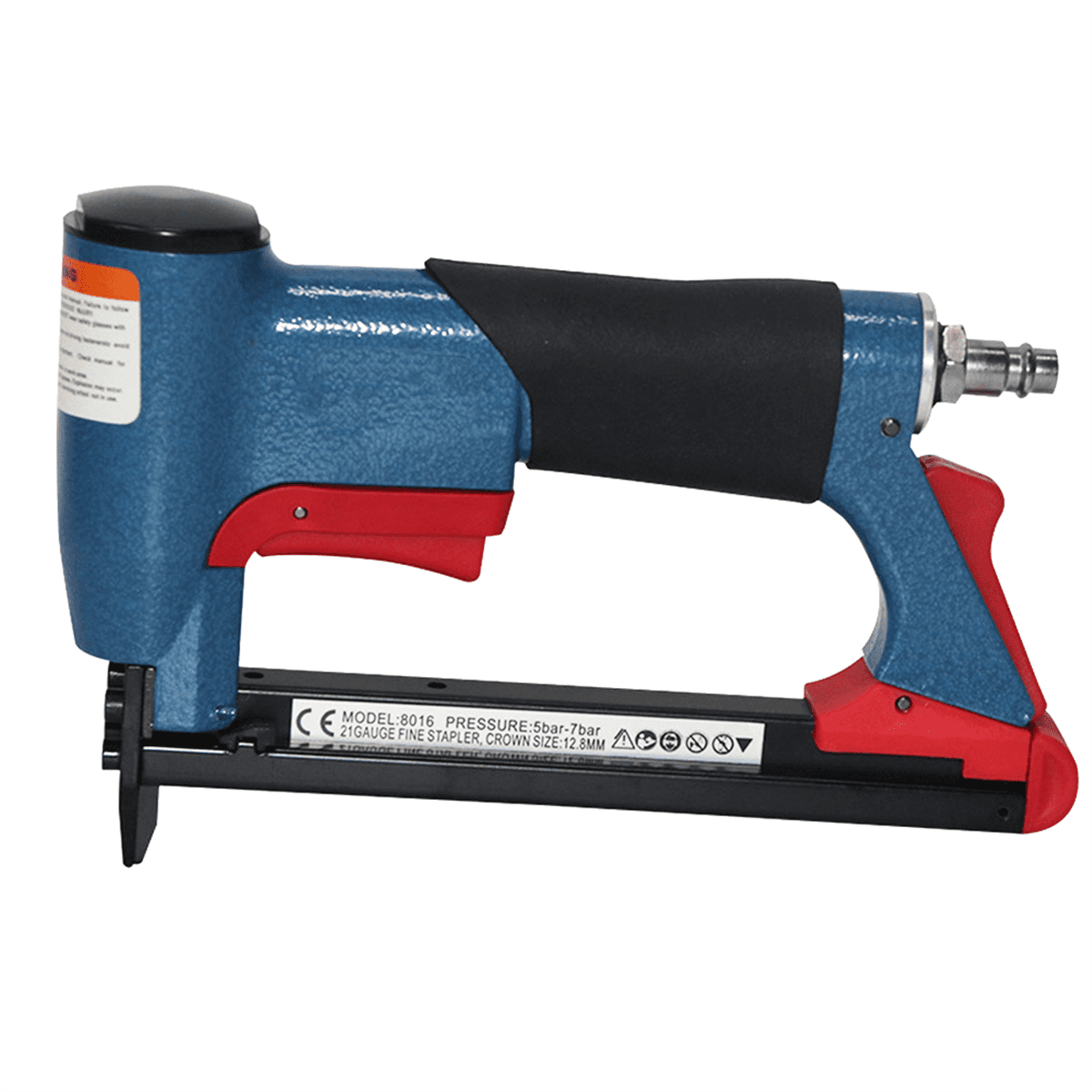
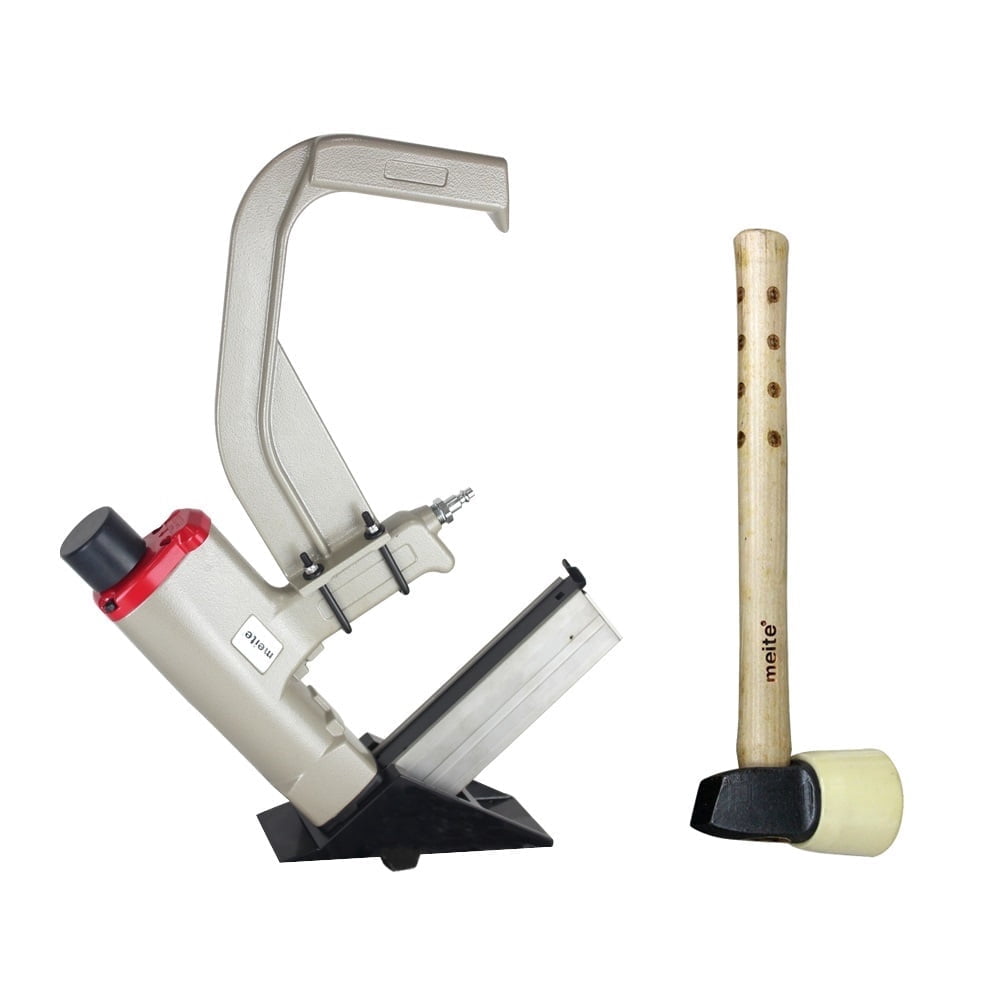
Pneumatic Staple Guns

Correction of product information
If you notice any omissions or errors in the product information on this page, please use the correction request form below.
Correction Request Form